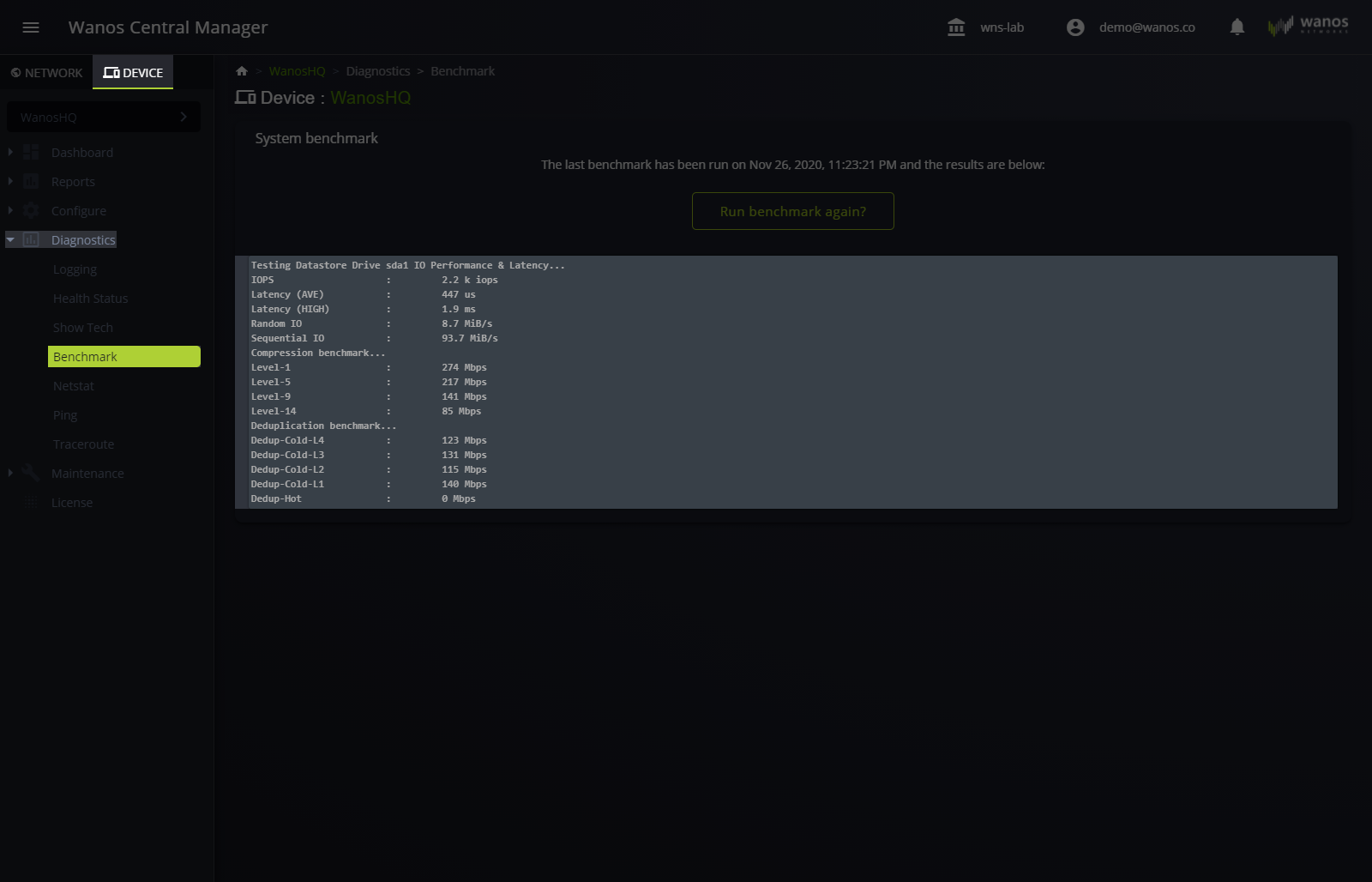
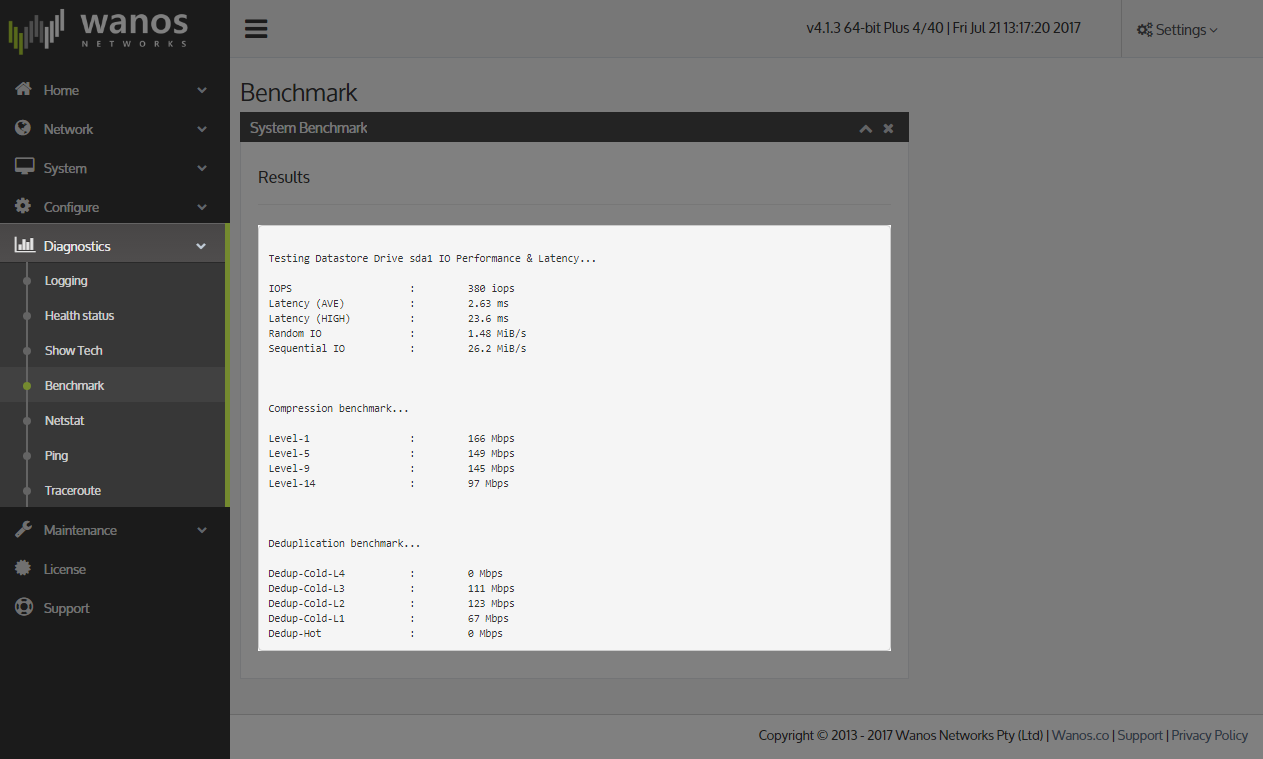
Benchmark helps determine the performance of WAN Optimization on target hardware or appliance.
GuideWanos Admin Guide
SectionTroubleshooting
UpdatedDecember 9, 2020
Reading time1 min
After running a Benchmark, administrators can refer to the baseline data and determine the ideal WAN acceleration speed the hardware can accommodate.
Access the Benchmark page
Via WCM

Via Wanos Web User Interface
Diagnostics > Benchmark

Sample Benchmark
WCM
Local Web User Interface
Still not resolved? Email support@wanos.co or see the support options.