Custom Application Label
GuideWanos Admin Guide
SectionOptional Configuration
UpdatedDecember 9, 2020
Reading time1 min
Wanos can be made aware of uncommon or custom Applications for monitoring purposes.
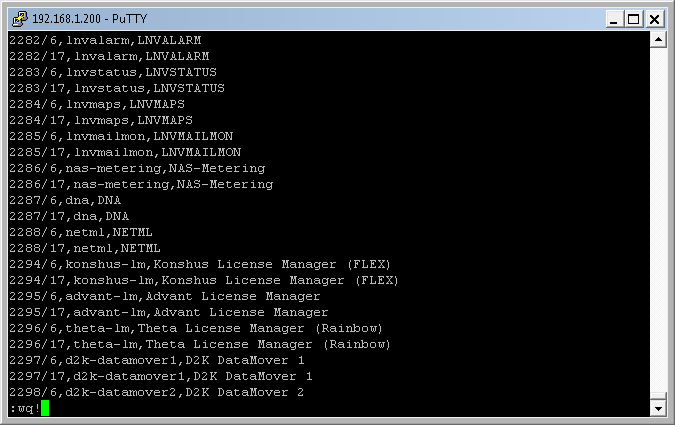
Configuring Custom Application Labels in SSH / Command line
Add new Applications by modifying the portobjects file. Run the following terminal command:
vi /tce/etc/wanos/portobjects
Follow this format
Port-Number/Protocol-Number,Name,Description
Valid numerical values for Protocol-Number:
6 = TCP
17 = UDP
Example:
8080/6,http-alt,HTTP Alternate
Configuring Custom Application Labels in WCM
Configure new custom applications by creating a template. Navigate to Network > Templates > Custom applications > Custom applications > Create.
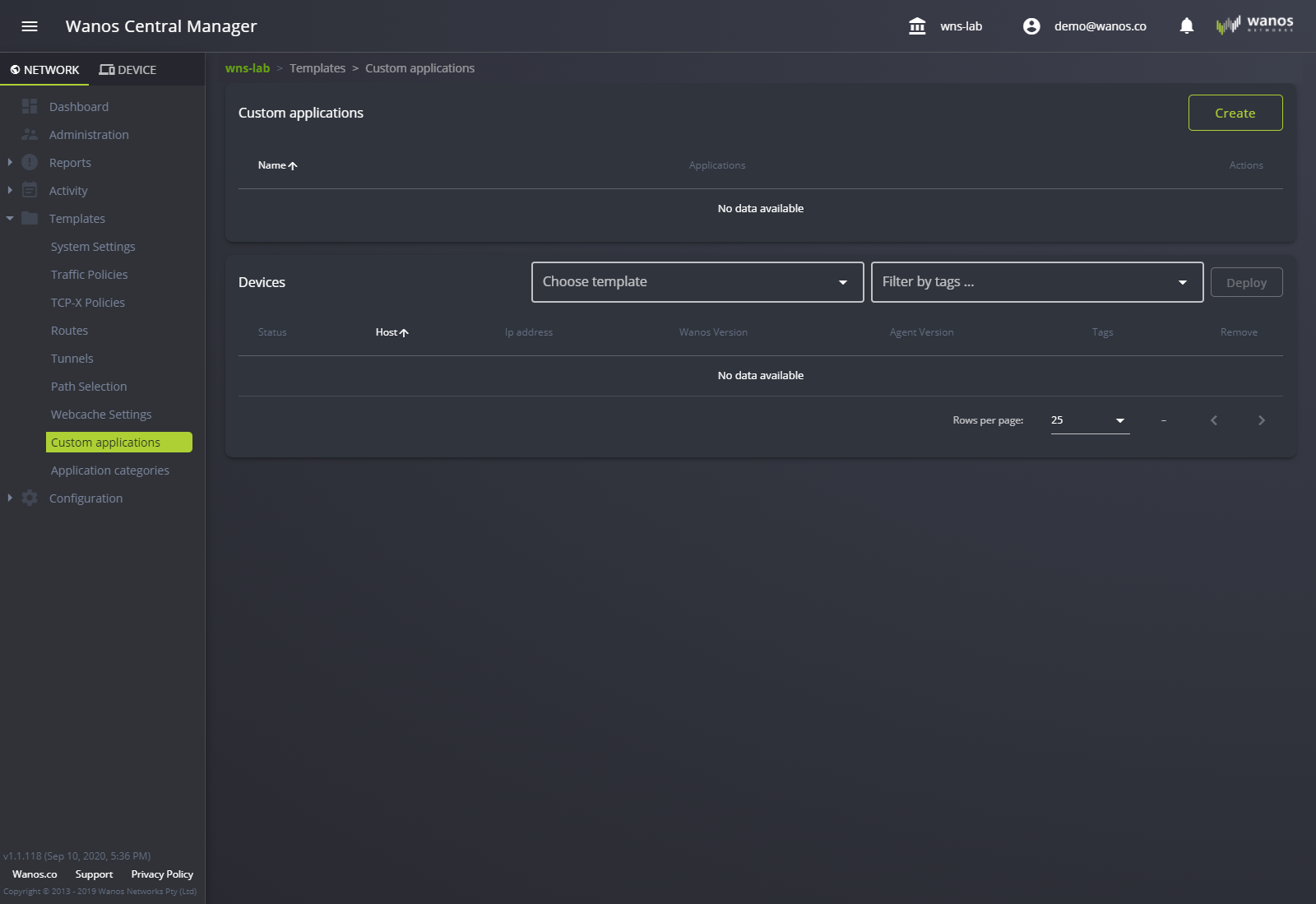
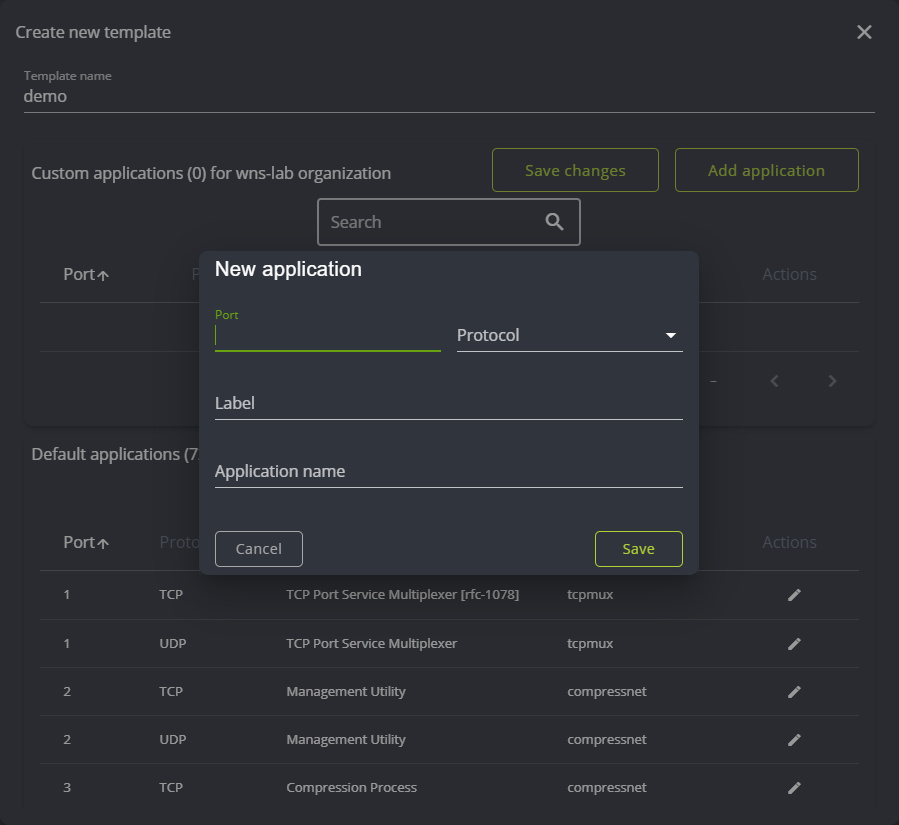
Deploy templates using the Devices section by selecting a template from the list, filtered by tags and deploying it all at once.
Still not resolved? Email support@wanos.co or see the support options.