License
GuideCentral Manager Guide
SectionDevice
UpdatedDecember 11, 2020
Reading time1 min
Navigate to this page to view or modify the appliance’s license.
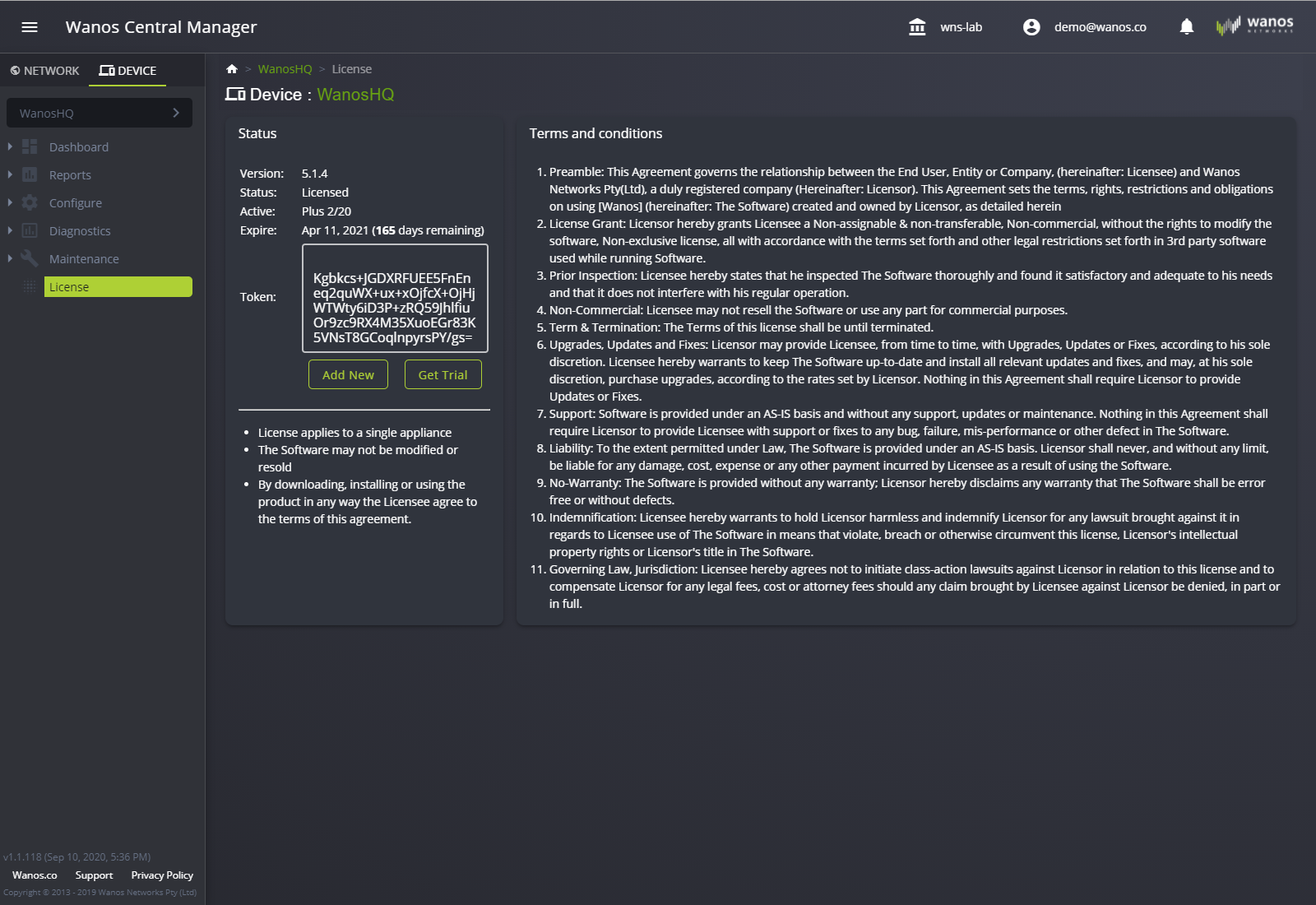
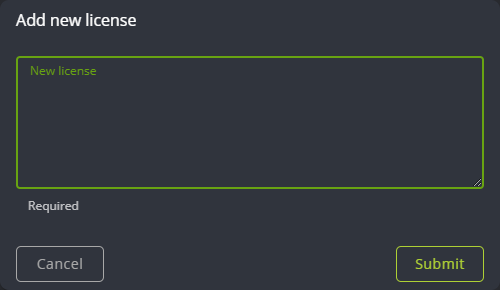
Add New
Activate the license provided by Wanos to activate all the features of the appliance.
Get Trial
Use the form to fill out the details required to request a trial license key.
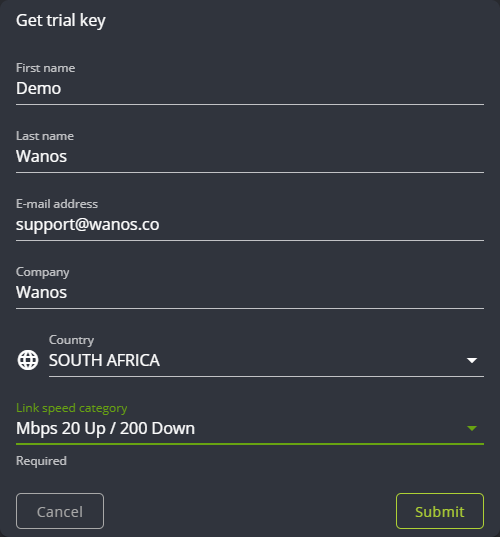
First name: Your first name.
Last name: Your last name.
E-mail address: Your preferred email address. Licenses will be emailed to this mailbox.
Company: Your company.
Country: Where are you located?
Link speed category: This is a drop-down list of link speed that gets tied to the generated license. Example: 10 Mbps up / 100 Mbps down.
Still not resolved? Email support@wanos.co or see the support options.