Device Dashboard
GuideCentral Manager Guide
SectionDevice
UpdatedDecember 7, 2020
Reading time1 min
WCM – Device – Dashboard – Network
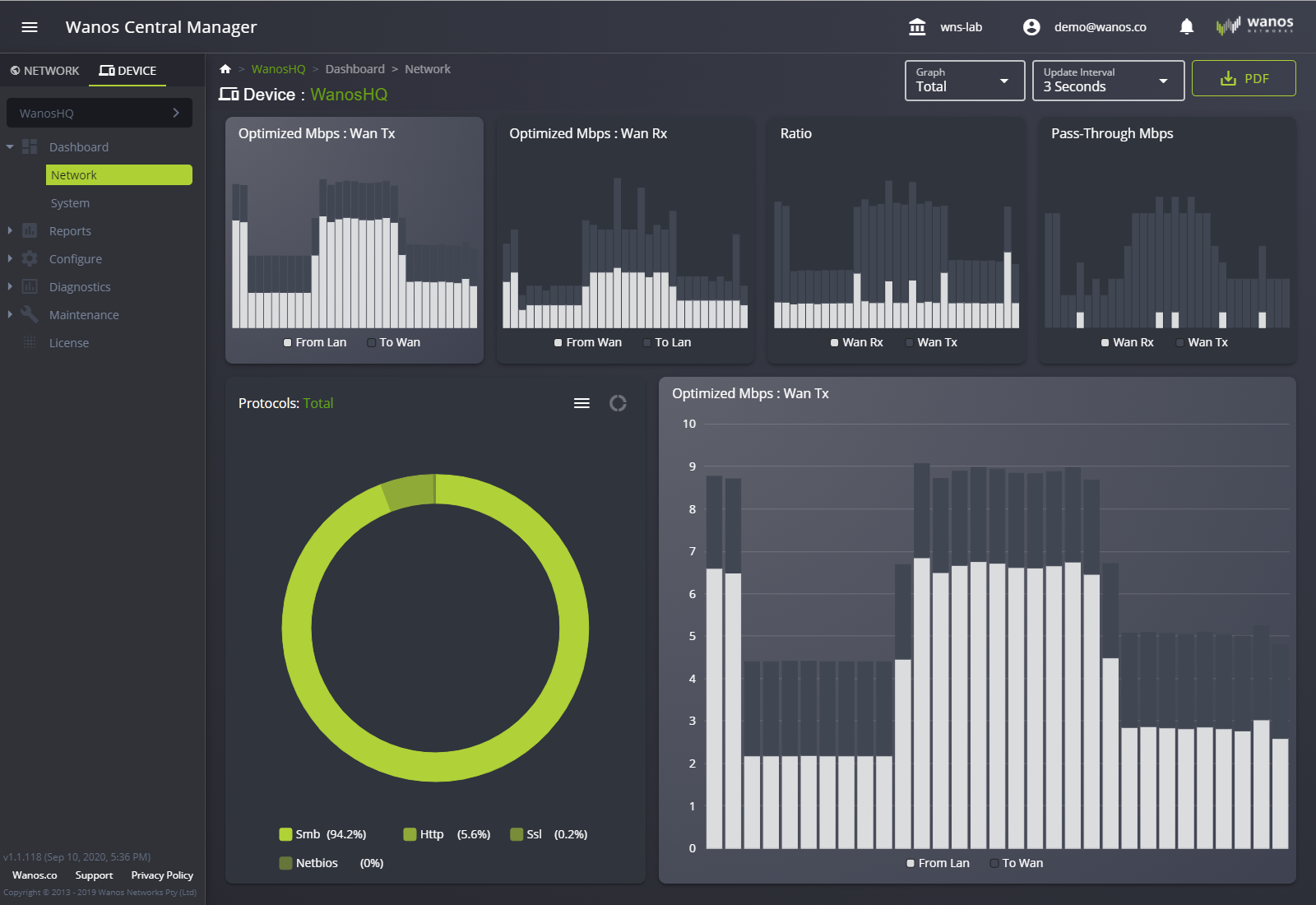
The device dashboard contains the same data found in the local web user interface. It provides the user with the following information:
- Optimized Mbps: Wan Tx
- Optimized Mbps: Wan Rx
- Ratio
- Pass-Through Mbps
- Protocols
It has the option to export the data into a PDF file.
WCM – Device – Dashboard – System
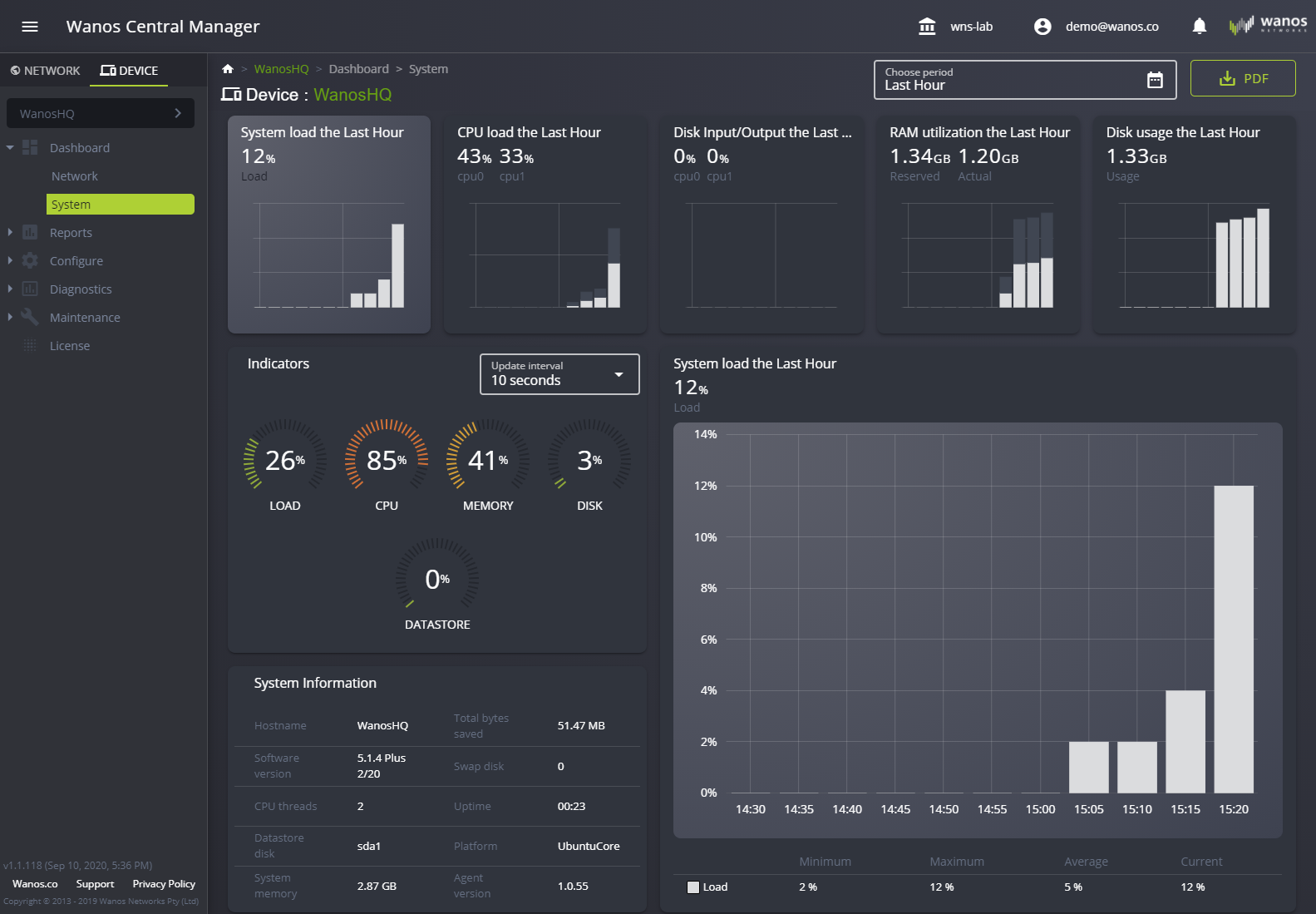
The system dashboard shows the following appliance’s hardware information:
- System Load
- CPU Load
- Disk Input/Output
- RAM utilization
- Disk usage
- Indicators
- System Load
- System Information
The data can be exported to a PDF report.
Still not resolved? Email support@wanos.co or see the support options.